
Browser Agents vs Desktop Automation: Which Architecture Wins in 2026?
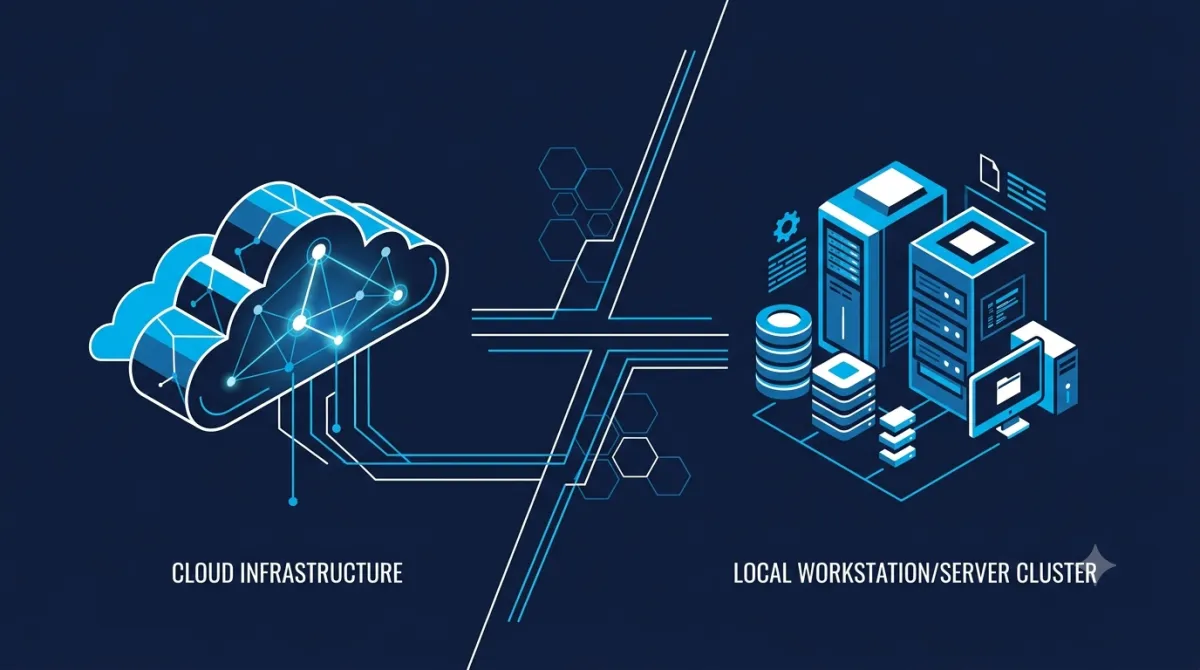
Choosing between browser agents vs desktop automation is no longer a tooling decision—it's an architectural one. As AI agents become part of production workflows, engineering teams must decide where automation should execute, what resources it needs to access, and how much control they require over security, latency, and infrastructure.
Cloud-hosted browser agents have lowered the barrier to automating SaaS applications. They can navigate websites, complete forms, and perform repetitive browser-based tasks with minimal setup. Desktop automation platforms, meanwhile, operate directly on operating systems, allowing them to control native applications, local files, and enterprise software that never reaches the browser.
Neither approach is universally better. Each optimizes for a different operating environment. Understanding those tradeoffs is essential before committing to an automation strategy that will scale across hundreds—or thousands—of workflows.
Browser Agents and Desktop Automation Solve Different Problems
At a high level, the distinction comes down to where automation executes.
Browser agents interact primarily with web applications through browser automation frameworks, accessibility layers, or visual interfaces. They excel when an entire workflow lives inside modern SaaS products.
Desktop automation platforms operate at the operating system level. Instead of seeing only browser content, they can interact with native applications, multiple windows, local storage, printers, spreadsheets, terminal emulators, and legacy enterprise software.
| Capability | Browser Agents | Desktop Automation |
|---|---|---|
| Modern SaaS applications | Excellent | Excellent |
| Native desktop software | Limited | Excellent |
| Local file system | Limited or indirect | Native access |
| Multi-application workflows | Moderate | Excellent |
| Legacy enterprise software | Limited | Strong |
| Infrastructure requirements | Low | Moderate to High |
For organizations running cloud-first operations, browser agents often provide the quickest path to automation. Enterprises with decades of accumulated desktop software usually require broader operating-system control.
Runtime Architecture Determines Performance
Automation performance isn't determined solely by model quality. Runtime architecture has an equally significant impact.
Most browser agents follow a repeated execution cycle:
Capture UI
      ↓
Interpret page state
      ↓
Generate next action
      ↓
Execute action
      ↓
Read updated interface
Each iteration introduces processing overhead. While modern systems have become significantly faster, workflows involving dozens of UI interactions naturally accumulate more latency than API-driven automation.
Desktop automation platforms avoid some of these bottlenecks by interacting directly with local applications through operating system APIs, accessibility frameworks, or native automation interfaces.
That difference becomes increasingly noticeable when workflows involve:
- Rapid data entry
- Multiple application switches
- Large spreadsheet manipulation
- Local document processing
- Native enterprise software
However, speed should not be viewed in isolation.
Browser agents benefit from centralized infrastructure, automatic scaling, and simplified deployment. Desktop automation reduces context-switching overhead but requires organizations to provision and maintain execution environments.
The better architecture depends on where the workflow spends most of its time.
Security Depends on Your Trust Boundary
Security discussions often reduce the debate to "cloud versus local," but the more useful question is:
Where does sensitive information need to remain?
Browser-based automation frequently interacts with cloud services using authenticated sessions, API credentials, or browser cookies. Depending on the platform and deployment model, execution may occur in vendor-managed infrastructure or within an organization's own environment.
Desktop automation typically executes inside managed workstations, virtual desktops, or dedicated virtual machines under existing corporate security controls.
That distinction changes operational considerations.
| Security Consideration | Browser Agents | Desktop Automation |
|---|---|---|
| Browser session management | Core capability | Supported |
| Local credential storage | Limited | Native |
| Internal network resources | Depends on deployment | Native |
| Existing endpoint monitoring | Limited | Strong |
| Legacy application support | Limited | Native |
Organizations operating under regulatory frameworks such as SOC 2, HIPAA, or GDPR should evaluate deployment architecture rather than assuming one category is inherently more secure.
A self-hosted browser agent may satisfy security requirements that a fully managed cloud service cannot. Likewise, a poorly managed desktop automation environment can introduce risks despite remaining on local infrastructure.
Security should be evaluated based on deployment model, identity management, audit logging, and network boundaries—not marketing labels.
Hybrid Enterprise Workflows Favor Desktop Automation
Real-world enterprise processes rarely stay inside one application.
Consider a procurement workflow:
- Download invoices from a supplier portal.
- Validate data in Excel.
- Launch an ERP client.
- Update accounting software.
- Save documentation to a network share.
- Notify stakeholders in Microsoft Teams.
Only the first step is browser-centric.
The remaining workflow depends on local applications, shared storage, operating system dialogs, and enterprise software that browser automation cannot always access directly.
Desktop automation platforms are designed for this environment.
They can coordinate:
- Multiple application windows
- Native dialog boxes
- Desktop notifications
- File explorers
- Terminal sessions
- Office applications
- Legacy Windows software
- Virtual desktop infrastructure
Browser agents remain highly effective when workflows begin and end inside web applications, especially customer support systems, CRM platforms, project management tools, and internal dashboards.
Rather than replacing desktop automation, they often complement it.
Many organizations are beginning to combine both approaches: browser agents handle cloud-native interactions while desktop automation manages operating-system tasks that require local execution.
Total Cost of Ownership Changes at Scale
Pricing models influence architecture decisions more than many teams initially expect.
Browser agent platforms commonly charge based on usage, including API requests, model inference, automation runs, or execution time.
Desktop automation generally requires greater upfront investment in infrastructure, licensing, and maintenance, but incremental execution costs become more predictable once environments are established.
Conceptually, the cost curves look like this:
Cost
│
│                     Browser Agent Usage
│                   /
│                 /
│               /
│-------------/--------------------
│
│ Desktop Infrastructure
│───────────────────────────────
└──────────────────────────────────
           Automation Volume
Neither pricing model is universally cheaper.
Low-frequency automation often favors consumption-based pricing because organizations avoid infrastructure overhead.
High-volume, predictable workloads may justify dedicated automation infrastructure, particularly when workflows execute continuously or involve sensitive internal systems.
Before choosing a platform, estimate:
- Expected monthly automation volume
- Average workflow duration
- Infrastructure management costs
- Compliance requirements
- Future scaling plans
The cheapest option during a proof of concept may not remain the cheapest after deployment across an enterprise.
Choosing the Right Automation Architecture
The debate around browser agents vs desktop automation isn't about replacing one technology with another. It's about matching the execution environment to the workload.
Choose browser agents when:
- Workflows are primarily browser-based.
- Applications expose modern web interfaces.
- Fast deployment matters more than infrastructure control.
- Teams prefer managed cloud services.
Choose desktop automation when:
- Native applications are central to operations.
- Local files and operating system resources are required.
- Regulatory requirements favor local execution.
- Legacy enterprise software remains business-critical.
Many mature organizations will ultimately adopt both.
Browser agents can orchestrate cloud-native SaaS workflows, while desktop automation bridges the operational gaps that still exist across operating systems, legacy software, and internal infrastructure.
As enterprise AI automation matures through 2026 and beyond, successful teams will focus less on choosing a single winner and more on building automation architectures that place each technology where it performs best.